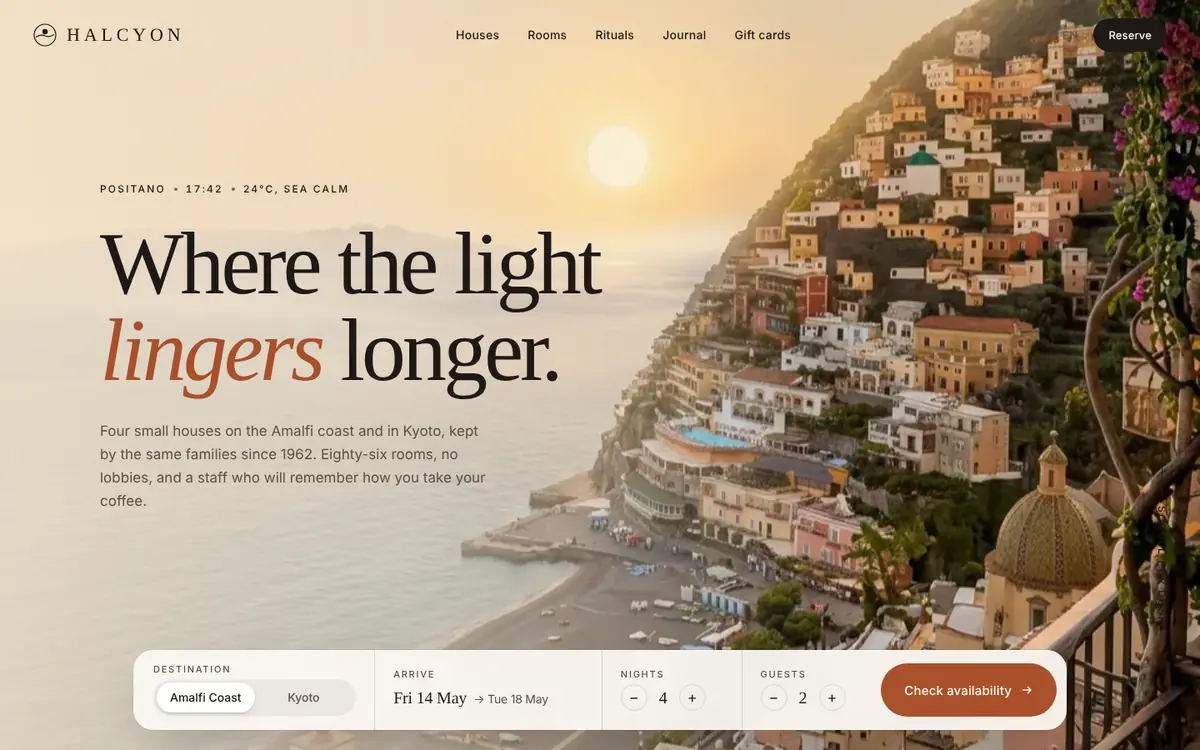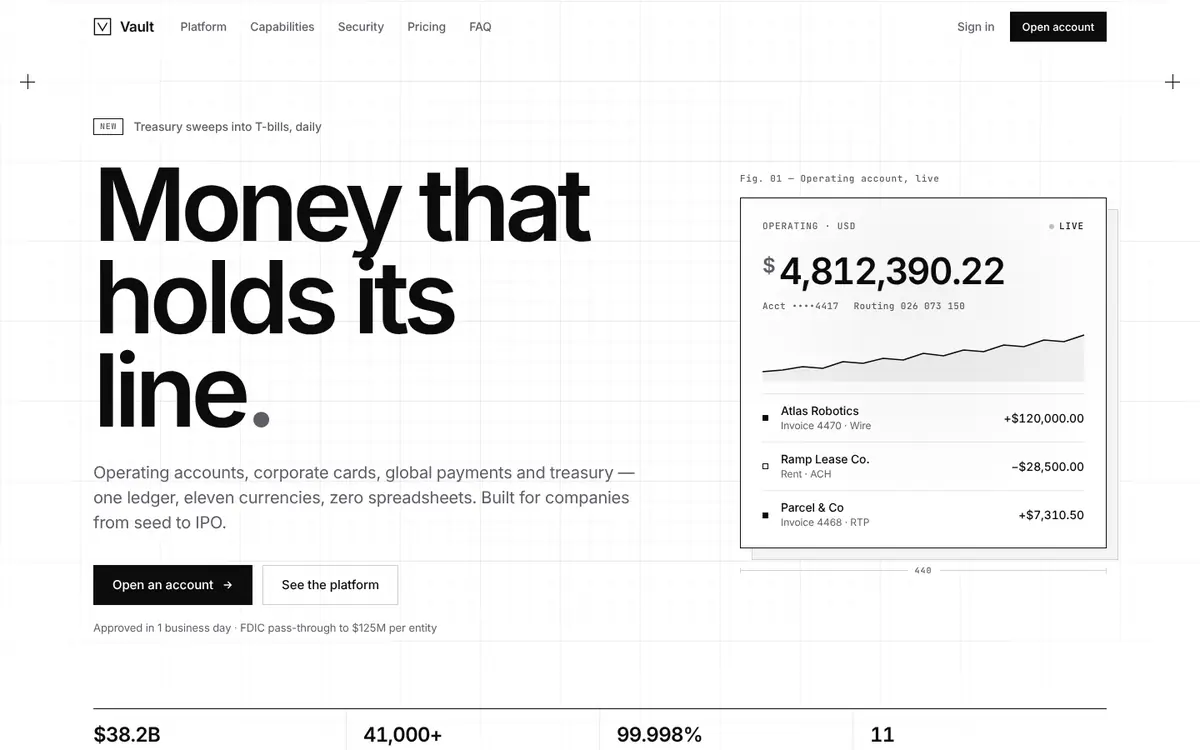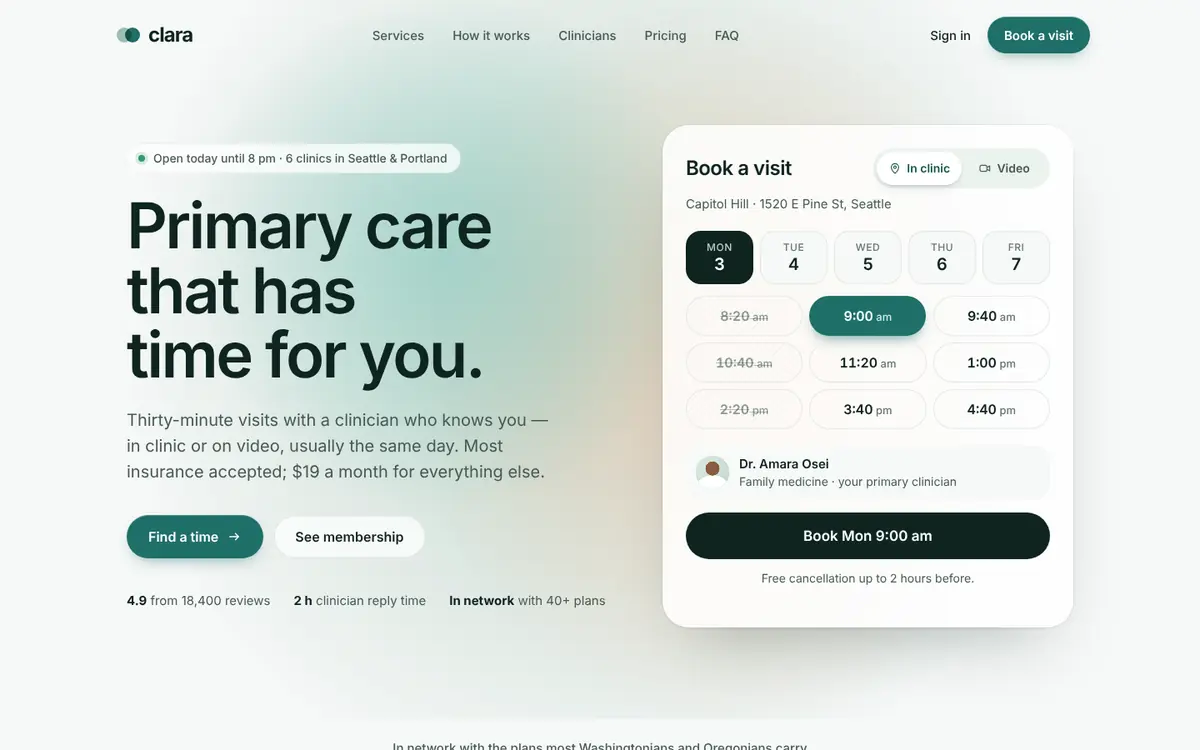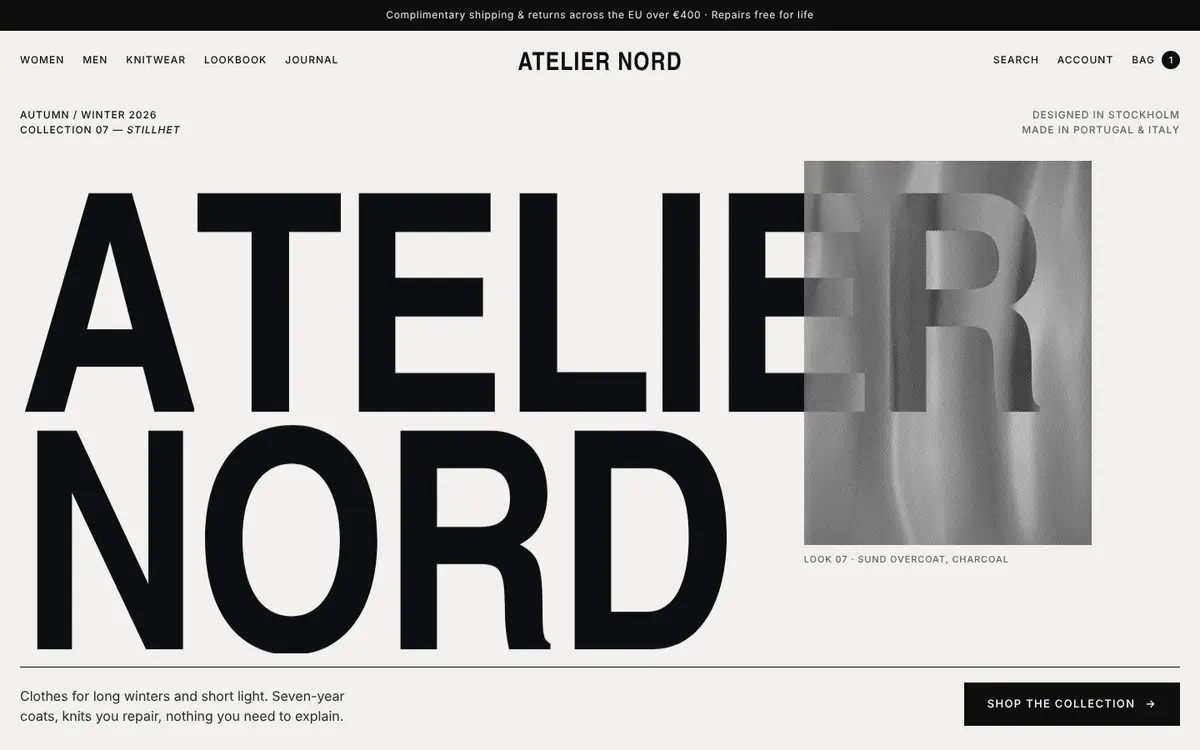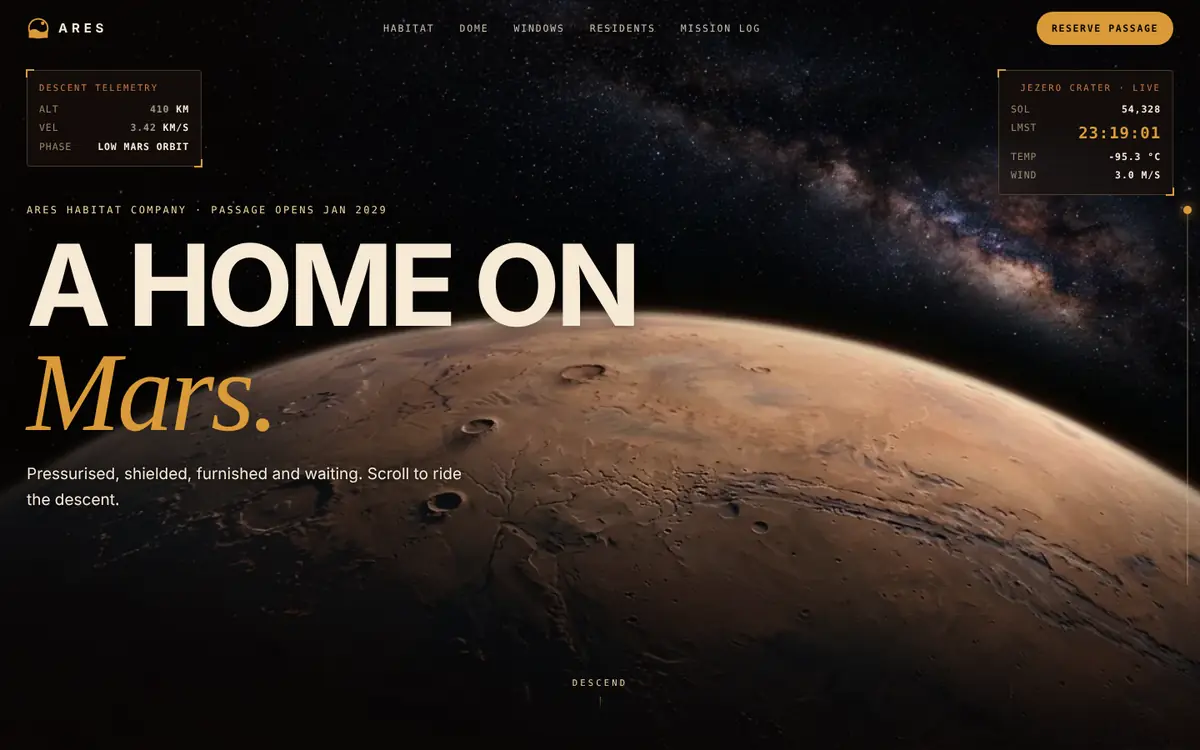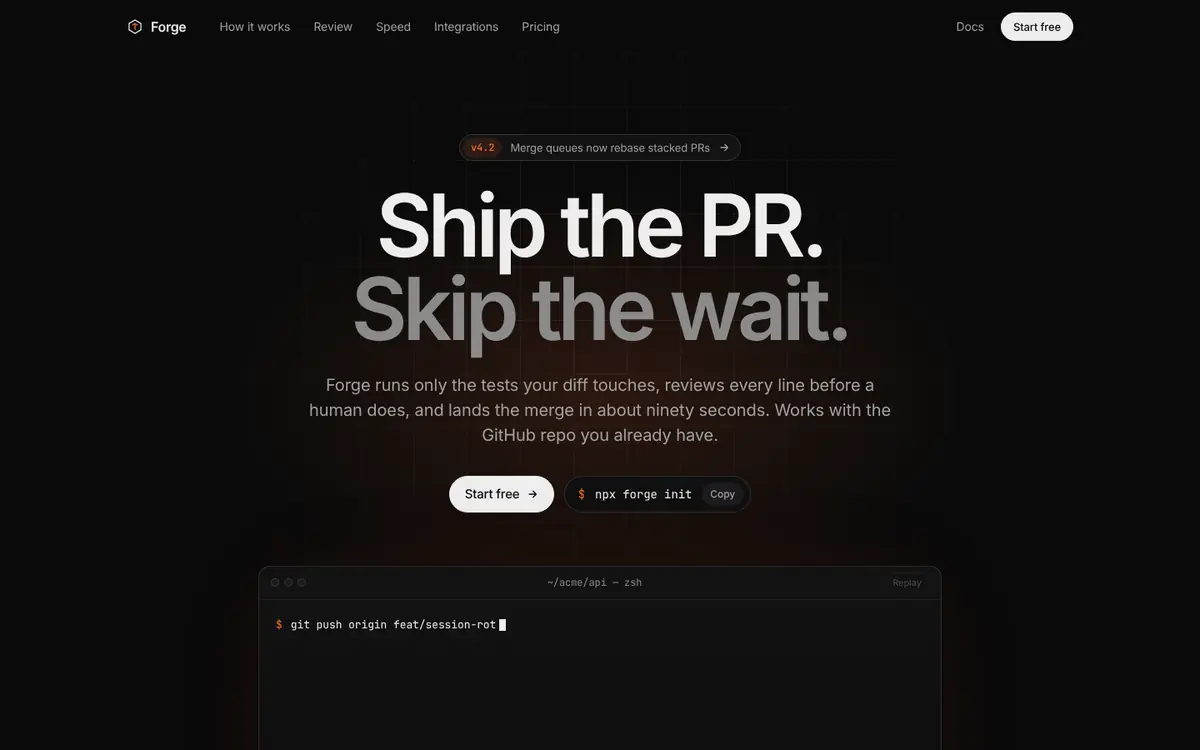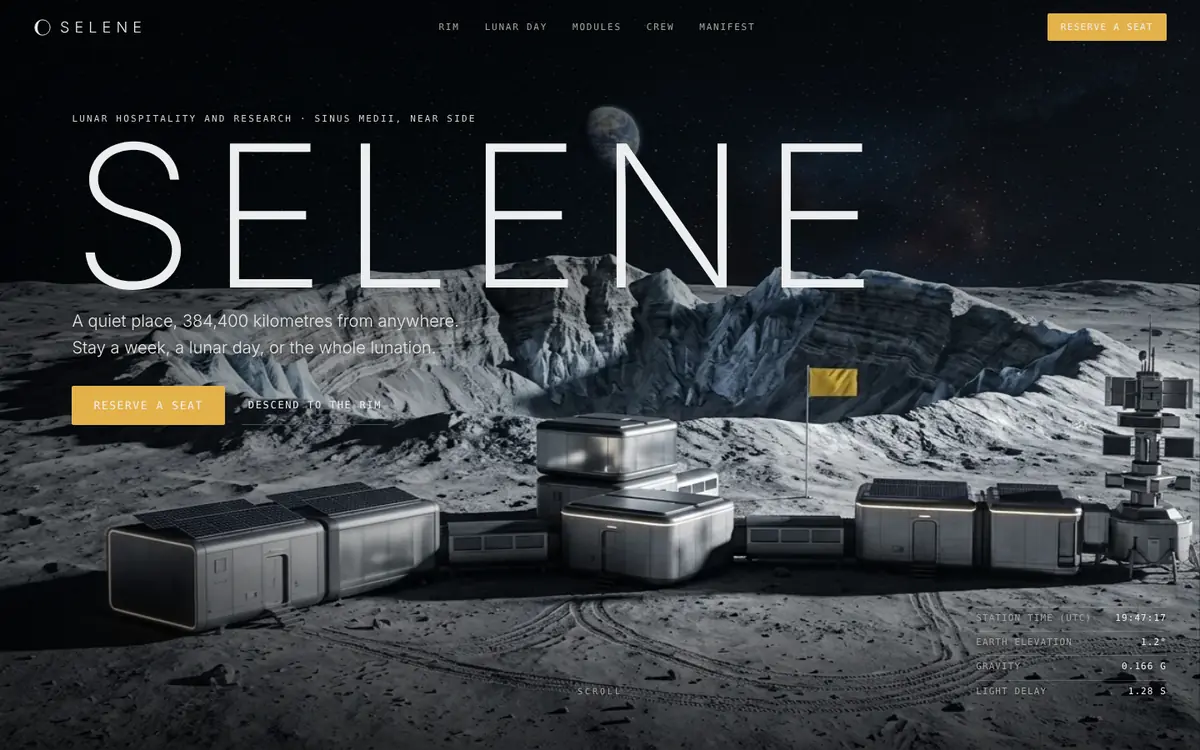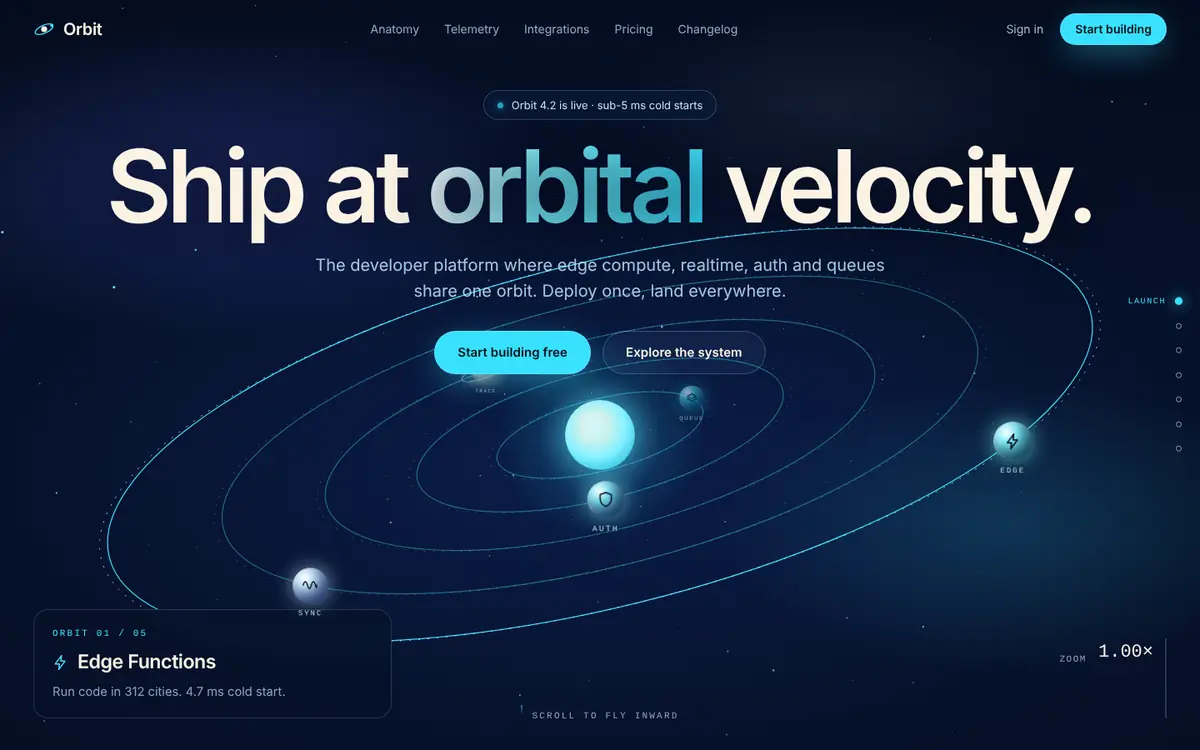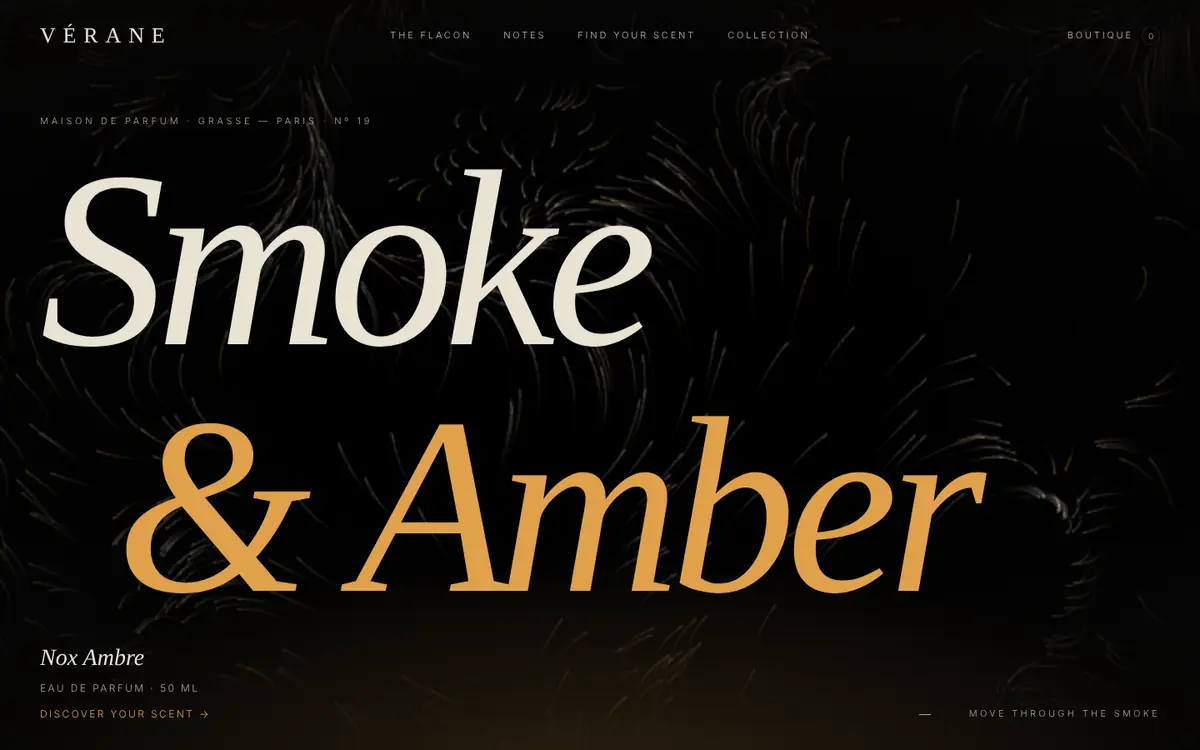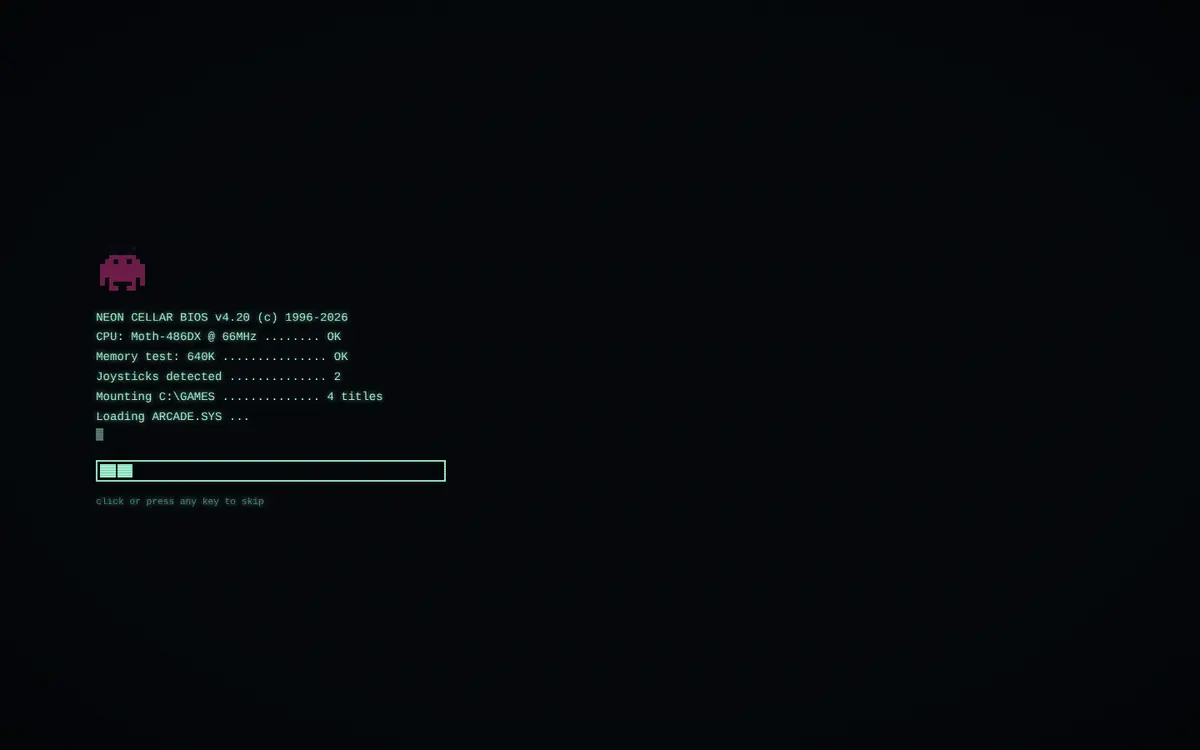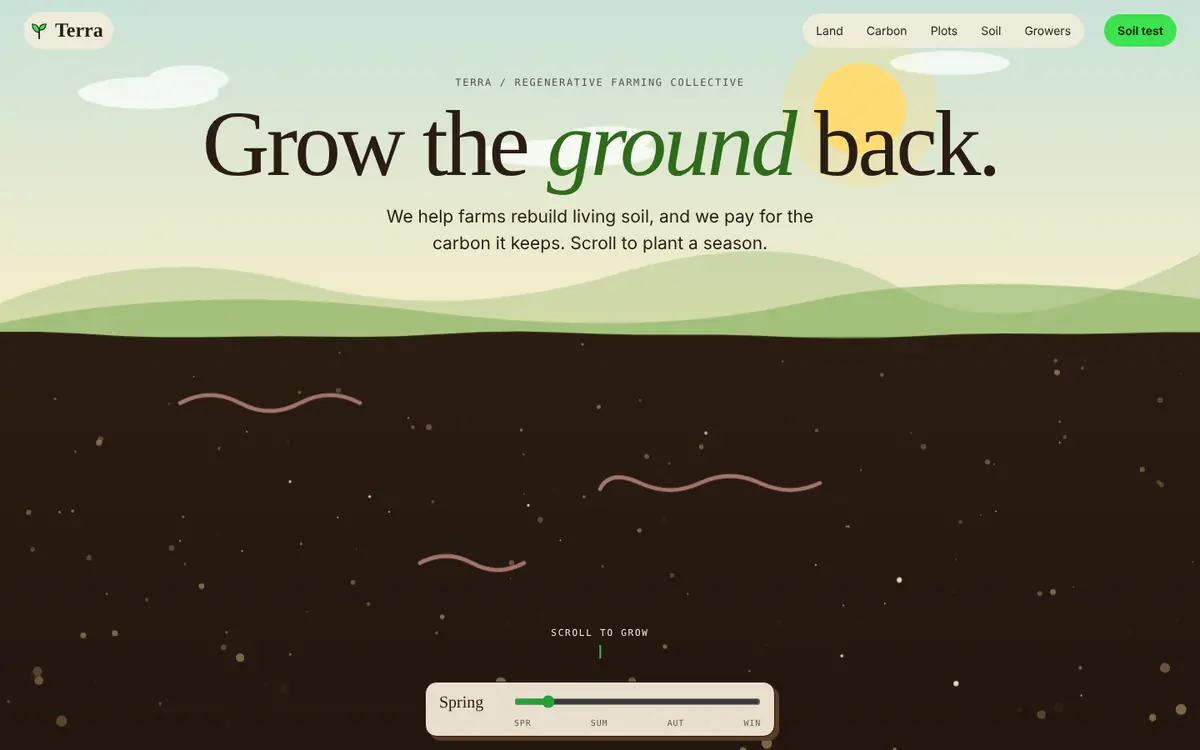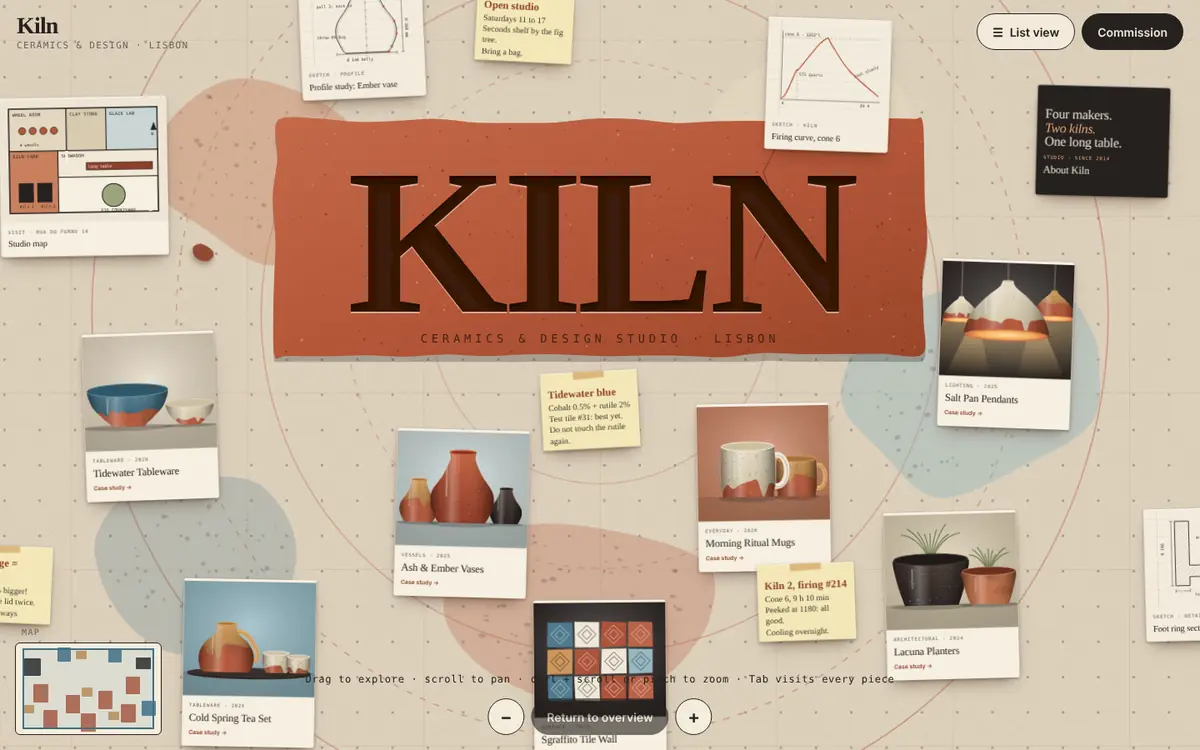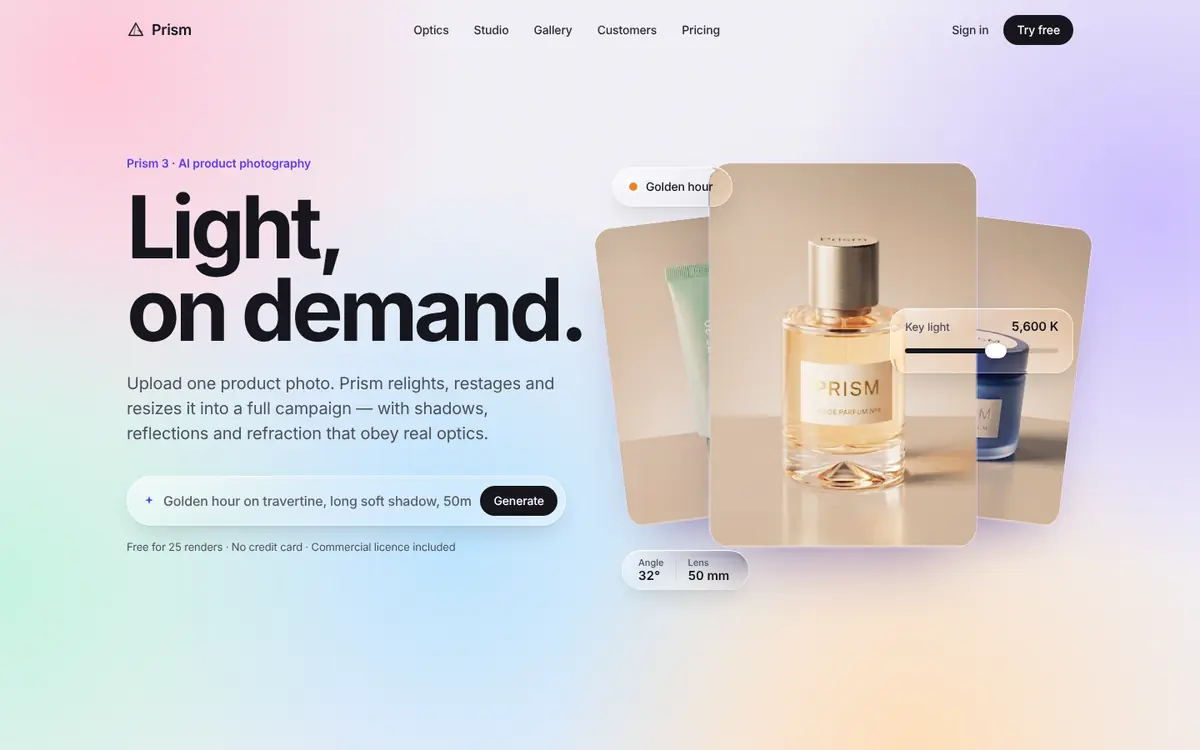
Landingpages · 13 complete websites

Free landing pages. Whole websites, in motion.

Every free landingpage here is a complete single page with scroll choreography, a real nav and footer, and responsive layouts down to 390 px. The file you copy is the file that runs in the preview — React only, styles included.

  • Full source, not a snippet
  • No signup, MIT-style use
  • DESIGN.md for AI agents

What you copy is what you saw. Every byte of it.

Free landingpages usually stop at the hero, or hand you a stripped-down snippet. These ship the whole page as one file — the exact file behind the live preview.

Full source, one file

A single Page.tsx with every section, interaction and style. Imports React and nothing else.

Reset-proof styles

Scoped CSS lives inside the file and sets every property it relies on, so Tailwind, Bootstrap or no reset all render the same page.

Motion that ships

Sticky scenes, scroll-scrubbed timelines, springs and reveals — all with reduced-motion fallbacks.

DESIGN.md included

Tokens, layout, components and motion written down, so Claude, Cursor or Lovable can extend the page without drifting.

Questions. About free landingpages.

Yes. Every landingpage is free to download, remix and use in personal and commercial projects. No signup, no paywall, no attribution required.

Open a template and click Copy full source or Download .tsx. You get one self-contained React file — every section, animation and style — byte-identical to the live preview. Drop it into any React 18+ project and render the Page component.

No. The templates import only React. Styles live in a scoped style block inside the file and set every property they depend on, so they look the same with Tailwind preflight, Bootstrap or no CSS reset at all.

Yes. The markup is semantic HTML and the CSS is plain, so you can port a template to Astro, Vue or static HTML by keeping the style block and replacing the few React effects that drive the scroll animations.

Every landingpage respects prefers-reduced-motion (sticky scenes unpin, parallax and loops stop), plus prefers-reduced-transparency and prefers-contrast where glass or subtle text is used. Controls are real buttons and inputs with keyboard support.

It describes the template's tokens, type scale, layout, components and motion choreography. Paste it into Claude, Cursor or Lovable as context and new screens you generate will match the template instead of drifting.