Card Stack
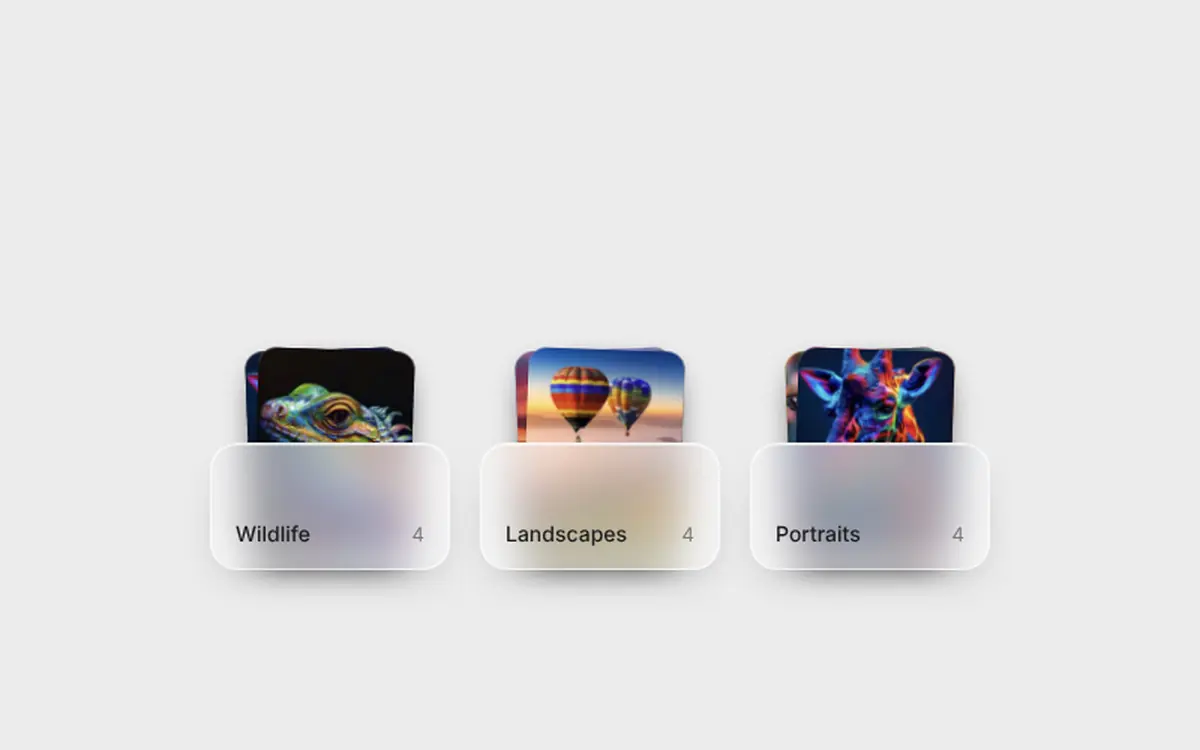
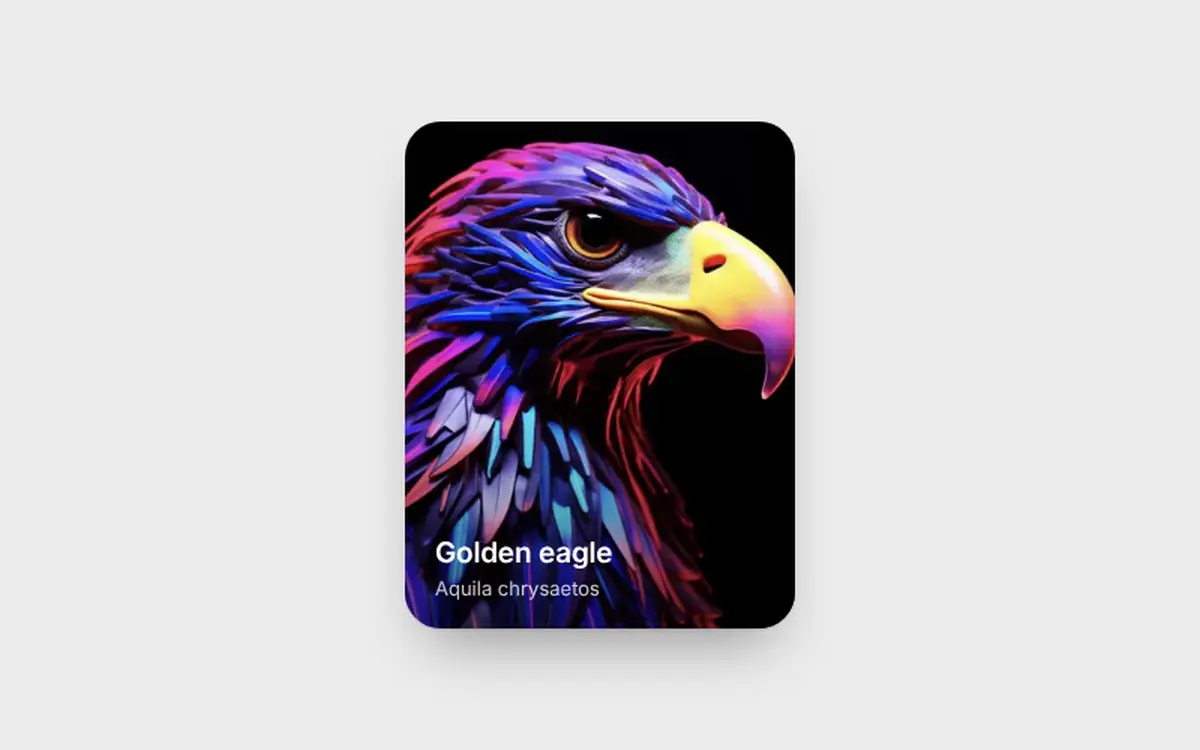
Card stack for React: photo cards you throw to the back with a drag or a flick, tap to pull one forward. No dependencies.
- Micro-interactions
- Photography
- React only · 0 deps
- 1 file
Browser support · All evergreen browsers (pointer events). Arrow keys work too; reduced motion removes the swoop. Photos are plain URLs you pass in; if one fails to load, a soft gradient stays in its place. The demo uses /demo/*.webp, swap in your own files.
Install. One command, or copy the file.
$
npx shadcn@latest add https://freedesignmd.com/r/card-stack.json- Byte-identical to the preview
- No Tailwind or config needed
- SSR-safe · keyboard accessible
- Respects reduced motion & transparency
components/micro-interactions/card-stack.tsx
1/**2 * CardStack, a stack of photo cards you can throw around: drag the front3 * card away and it swoops to the back, tap a card behind to pull it forward.4 *5 * Props: images[] (urls; a soft gradient shows if one fails to load),6 * width (px, default 220), ratio (height / width, default 1.32),7 * onChange(frontIndex), aria-label.8 * CSS vars: --fd-cs-radius, --fd-cs-shadow.9 *10 * Browser support: all evergreen browsers (pointer events + CSS transforms).11 * Accessibility: the stack is a focusable group, ArrowRight / ArrowDown send12 * the front card back, ArrowLeft / ArrowUp bring the last one forward. A13 * visually hidden live region announces the position. Reduced motion: cards14 * change place without the swoop.15 */16import { useRef, useState } from "react";17import type { KeyboardEvent, PointerEvent } from "react";18 19const TONES = [20 "linear-gradient(160deg,#f3d1b8,#d7959a)",21 "linear-gradient(160deg,#c9d6f2,#8e9fd6)",22 "linear-gradient(160deg,#d3e6cf,#8fb996)",23 "linear-gradient(160deg,#f2e2b6,#d9b36b)",24 "linear-gradient(160deg,#e3cdf0,#a98fd0)",25];26 27export interface CardStackProps {28 images?: string[];29 width?: number;30 ratio?: number;31 onChange?: (front: number) => void;32 className?: string;33 "aria-label"?: string;34}35 36type Drag = { id: number; x: number; y: number };37 38export function CardStack({39 images = [],40 width = 220,41 ratio = 1.32,42 onChange,43 className,44 "aria-label": label = "Photo stack",45}: CardStackProps) {46 const count = Math.max(images.length, 1);47 const [order, setOrder] = useState(() => Array.from({ length: count }, (_, i) => i));48 const [drag, setDrag] = useState<Drag | null>(null);49 const start = useRef({ x: 0, y: 0, t: 0, vx: 0, vy: 0, moved: false });50 const last = useRef({ x: 0, y: 0, t: 0 });51 52 const commit = (next: number[]) => {53 setOrder(next);54 onChange?.(next[0]);55 };56 const sendBack = () => commit([...order.slice(1), order[0]]);57 const bringForward = () => commit([order[order.length - 1], ...order.slice(0, -1)]);58 const pull = (id: number) => commit([id, ...order.filter((o) => o !== id)]);59 60 const down = (e: PointerEvent<HTMLDivElement>, id: number, depth: number) => {61 start.current = { x: e.clientX, y: e.clientY, t: e.timeStamp, vx: 0, vy: 0, moved: false };62 last.current = { x: e.clientX, y: e.clientY, t: e.timeStamp };63 if (depth === 0) {64 e.currentTarget.setPointerCapture(e.pointerId);65 setDrag({ id, x: 0, y: 0 });66 }67 };68 const move = (e: PointerEvent<HTMLDivElement>) => {69 if (!drag) return;70 const dt = Math.max(e.timeStamp - last.current.t, 1);71 start.current.vx = (e.clientX - last.current.x) / dt;72 start.current.vy = (e.clientY - last.current.y) / dt;73 last.current = { x: e.clientX, y: e.clientY, t: e.timeStamp };74 const x = e.clientX - start.current.x;75 const y = e.clientY - start.current.y;76 if (Math.hypot(x, y) > 5) start.current.moved = true;77 setDrag({ id: drag.id, x, y });78 };79 const up = (e: PointerEvent<HTMLDivElement>, id: number, depth: number) => {80 if (depth !== 0) {81 if (Math.hypot(e.clientX - start.current.x, e.clientY - start.current.y) < 6) pull(id);82 return;83 }84 if (!drag) return;85 const dist = Math.hypot(drag.x, drag.y);86 const speed = Math.hypot(start.current.vx, start.current.vy);87 setDrag(null);88 if (dist > width * 0.32 || (speed > 0.55 && dist > 24)) sendBack();89 };90 const key = (e: KeyboardEvent<HTMLDivElement>) => {91 if (e.key === "ArrowRight" || e.key === "ArrowDown") {92 e.preventDefault();93 sendBack();94 } else if (e.key === "ArrowLeft" || e.key === "ArrowUp") {95 e.preventDefault();96 bringForward();97 }98 };99 100 const height = Math.round(width * ratio);101 const pullAmount = drag ? Math.min(Math.hypot(drag.x, drag.y) / (width * 0.5), 1) : 0;102 103 return (104 <div105 className={`fd-cs${className ? ` ${className}` : ""}`}106 role="group"107 aria-roledescription="stack"108 aria-label={label}109 tabIndex={0}110 onKeyDown={key}111 style={{ width, height: height + 56 }}112 >113 <style>{css}</style>114 {images.map((src, id) => {115 const depth = order.indexOf(id);116 const dragging = drag?.id === id;117 const shown = Math.min(depth, 4);118 const lift = depth > 0 ? pullAmount * (depth === 1 ? 1 : 0.4) : 0;119 const y = dragging ? drag.y : -shown * 28 + lift * 28;120 const x = dragging ? drag.x : 0;121 const rot = dragging ? drag.x / 16 : (depth % 2 ? 1 : -1) * Math.min(depth, 3) * 0.9;122 const s = dragging ? 1.02 : 1 - shown * 0.055 + lift * 0.055;123 return (124 <div125 key={id}126 className="fd-cs-card"127 data-drag={dragging || undefined}128 data-front={depth === 0 || undefined}129 aria-hidden={depth !== 0}130 style={{131 width,132 height,133 zIndex: images.length - depth,134 opacity: depth > 3 ? 0 : 1,135 transform: `translate3d(${x}px, ${y}px, 0) rotate(${rot}deg) scale(${s})`,136 filter: depth === 0 ? undefined : `brightness(${1 - Math.min(depth, 3) * 0.045 + lift * 0.045})`,137 }}138 onPointerDown={(e) => down(e, id, depth)}139 onPointerMove={move}140 onPointerUp={(e) => up(e, id, depth)}141 onPointerCancel={() => setDrag(null)}142 >143 <span className="fd-cs-photo" style={{ background: TONES[id % TONES.length] }}>144 <Photo src={src} />145 </span>146 </div>147 );148 })}149 <span className="fd-cs-live" aria-live="polite">{`Card ${order[0] + 1} of ${images.length}`}</span>150 </div>151 );152}153 154function Photo({ src }: { src: string }) {155 const [ok, setOk] = useState(true);156 if (!ok) return null;157 return <img className="fd-cs-img" src={src} alt="" draggable={false} decoding="async" onError={() => setOk(false)} />;158}159 160const FONT = `ui-sans-serif,-apple-system,BlinkMacSystemFont,"Segoe UI",Roboto,Helvetica,Arial,sans-serif`;161const css = `162.fd-cs,.fd-cs *,.fd-cs *::before,.fd-cs *::after{box-sizing:border-box}163.fd-cs{--fd-cs-radius:22px;--fd-cs-shadow:0 1px 2px rgba(0,0,0,.08),0 14px 32px -10px rgba(0,0,0,.28);--fd-ease-out:cubic-bezier(0.22,1,0.36,1);position:relative;display:block;margin:0;padding:56px 0 0;font:400 14px/1.4 ${FONT};color:#111;outline:none;touch-action:pan-y;-webkit-user-select:none;user-select:none}164.fd-cs:focus-visible{outline:2px solid #1a73e8;outline-offset:12px;border-radius:28px}165.fd-cs-card{position:absolute;left:0;bottom:0;margin:0;padding:0;border-radius:var(--fd-cs-radius);overflow:hidden;background:#ddd;box-shadow:var(--fd-cs-shadow);transform-origin:50% 100%;transition:transform 560ms var(--fd-ease-out),filter 560ms var(--fd-ease-out),opacity 300ms;cursor:pointer;will-change:transform}166.fd-cs-card[data-front]{cursor:grab;touch-action:none}167.fd-cs-card[data-drag]{cursor:grabbing;transition:filter 560ms,opacity 300ms}168.fd-cs-photo{position:absolute;inset:0;display:block;margin:0;padding:0}169.fd-cs-img{position:absolute;inset:0;display:block;width:100%;height:100%;margin:0;padding:0;border:0;object-fit:cover;pointer-events:none}170.fd-cs-live{position:absolute;width:1px;height:1px;margin:-1px;padding:0;overflow:hidden;clip:rect(0 0 0 0);white-space:nowrap;border:0}171@media (prefers-reduced-motion:reduce){.fd-cs-card{transition:none}}172`;173 174export function Demo() {175 return (176 <div className="fd-csd">177 <style>{demoCss}</style>178 <CardStack179 images={[180 "/demo/eagle-p.webp",181 "/demo/butterfly-p.webp",182 "/demo/giraffe-p.webp",183 "/demo/meadow-p.webp",184 "/demo/iguana-p.webp",185 ]}186 />187 </div>188 );189}190 191const demoCss = `192.fd-csd,.fd-csd *,.fd-csd *::before,.fd-csd *::after{box-sizing:border-box}193.fd-csd{display:flex;align-items:center;justify-content:center;width:100%;min-height:100vh;margin:0;padding:48px 20px;background:#ececec;font:400 14px/1.4 ${FONT};letter-spacing:normal;overflow:hidden}194`;More Micro-interactions. Same file contract.
Questions about Card Stack
Run npx shadcn@latest add https://freedesignmd.com/r/card-stack.json, or open the page and copy the file into your project. It has zero dependencies besides React. What you copy is the exact file that renders the live demo.
Card stack for React: photo cards you throw to the back with a drag or a flick, tap to pull one forward. No dependencies. It is a free, MIT-licensed React micro-interactions component from the freedesignmd library.
Yes. It is free and MIT-licensed, use, modify and ship it in personal and commercial projects without attribution.
All evergreen browsers (pointer events). Arrow keys work too; reduced motion removes the swoop. Photos are plain URLs you pass in; if one fails to load, a soft gradient stays in its place. The demo uses /demo/*.webp, swap in your own files.
Yes. It is a plain React component with its own styles, so it runs in Next.js, Vite, Remix and Lovable projects, and it needs no Tailwind setup. It has zero dependencies besides React.