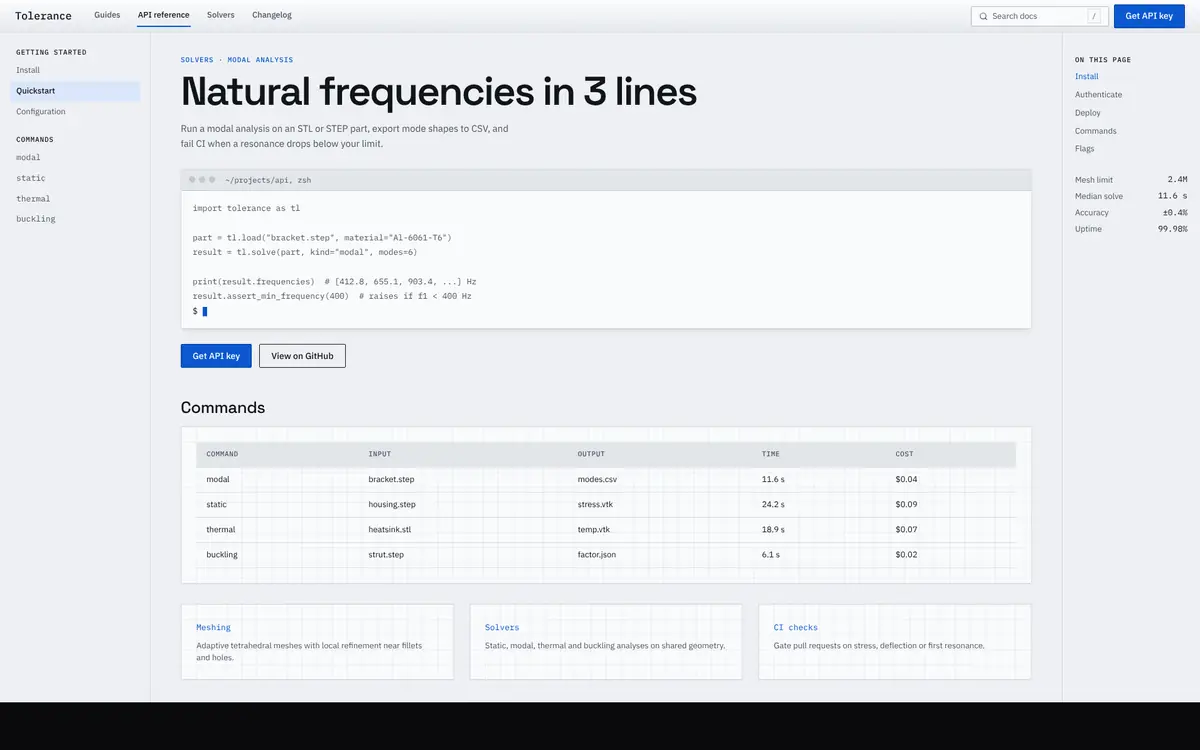
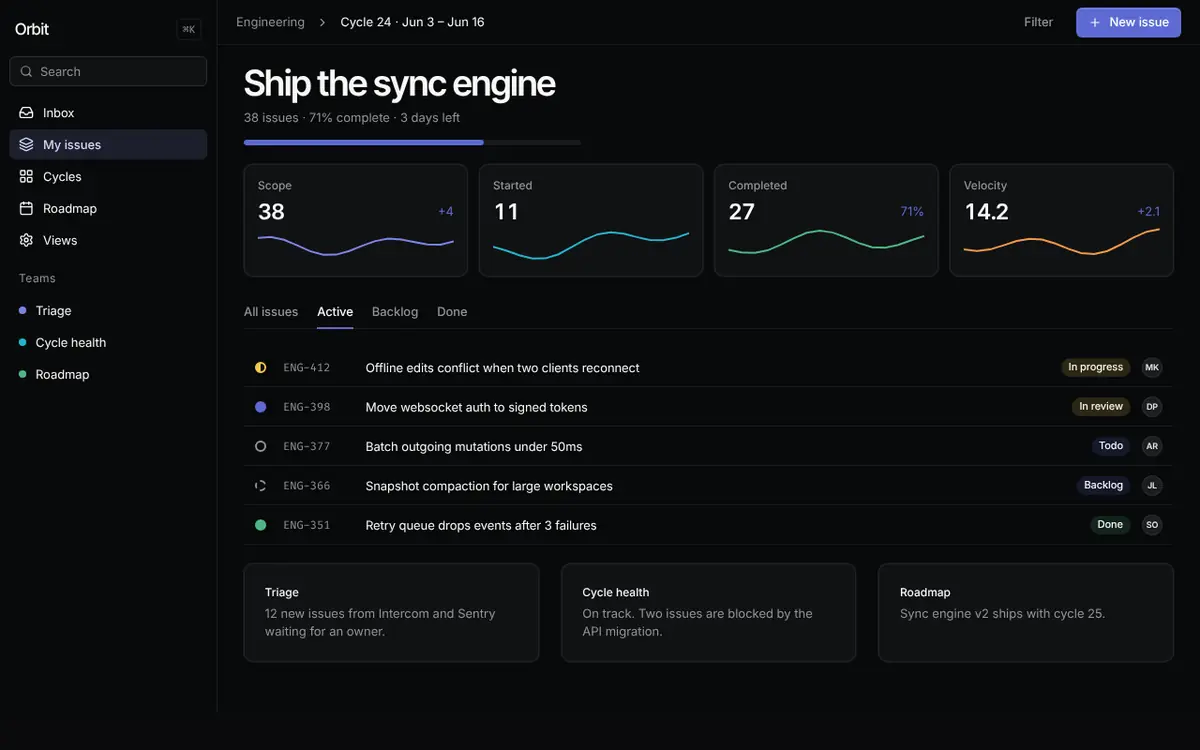
How to write a DESIGN.md file your AI coding agent actually follows
A step-by-step guide to writing a DESIGN.md: start from a feeling, turn it into exact tokens, write component recipes and a Do / Don't list, then test it with one screen.
 Tammo ElsnerFounder of freedesignmd4 min read
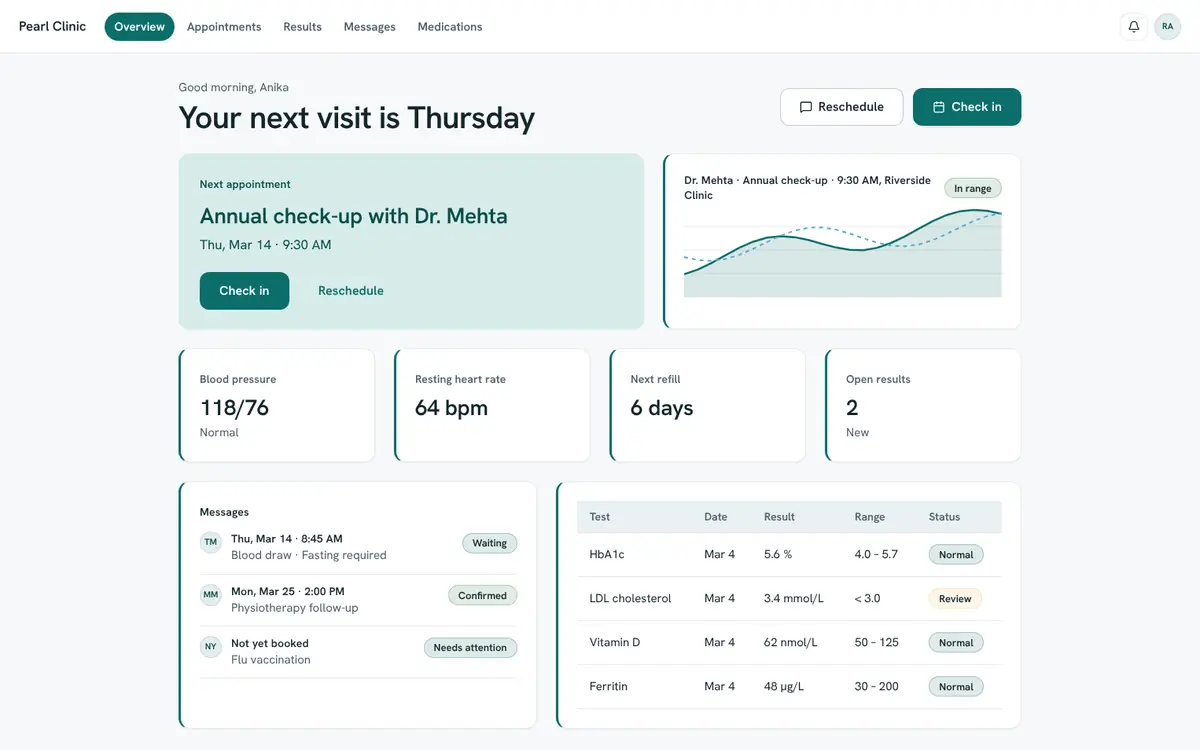
Key takeaways
- Start from one sentence about how the product should feel, then turn it into exact values.
- Name colors by role (primary, muted-foreground), give every type role a size, and keep the radius scale small.
- Finish with a Do / Don't list and test the file by generating one screen.
Writing a DESIGN.md is not like writing a brand book. The reader is an AI coding agent that will follow every line literally and fill every gap with defaults. So the job is simple to state: leave no gaps, and make every line specific. Here is how to write a DESIGN.md in seven steps, using the same structure as the DESIGN.md template.
Step 1: write the personality in one paragraph
Start with how the product should feel, in plain words: calm and clinical, loud and editorial, dark and technical. Then list three to six signature moves, the concrete things that make the look recognizable. Moves are better than adjectives because an agent can act on them.
## 1. Overview & personality

Calm, clinical and warm. White and pearl surfaces, one deep teal
for actions, generous type. Status colors inform, they never alarm.

**Signature moves**
- One teal action per view, everything else neutral
- 44px minimum touch targets, large body text
- Cards are solid with a hairline, never glass
Step 2: turn the feeling into color roles
Name colors by what they do, not what they look like. The roles that matter most:
backgroundandforeground: the page and its text.card,mutedandmuted-foreground: surfaces and secondary text.primaryandprimary-foreground: the main action and the text on it.accent,border,ring: highlights, dividers and focus.destructive,success,warning: status, each with a foreground.
Give every role an exact value for light and dark mode, and check the contrast of each text pair. Agents that ask for "primary" stay on brand; agents that ask for "a nice blue" do not. If you want a wider gamut, the glossary has a page on OKLCH palettes.
Step 3: set every type role
Most generic AI UI is generic because of type: one font, one weight, default tracking. Pick a display font and a body font (and a mono if you show code or numbers), then give each role a size, mobile size, line height, weight and tracking: display, h1, h2, h3, body, small, label and mono. Exact numbers beat "large heading".
Step 4: spacing, radius, shadow and motion
Write these as short scales, not single values:
- Spacing: a list like
4, 8, 12, 16, 24, 32, 48, 64, plus container width and section padding. - Radius: four or five named steps. A small named menu stops the agent from picking a new radius per card.
- Shadow: two or three levels for light and dark.
- Motion: durations (fast, base, slow) and easing curves, plus a rule for reduced motion.
Step 5: write component recipes
A recipe is the markup and CSS for one component, built from your tokens. Write recipes for the components agents build most often: button, input, card, badge, navigation, tabs, table, dialog and link. Include the states: hover, focus, disabled. Recipes work better than descriptions because the agent copies the structure instead of interpreting a sentence.
Step 6: describe imagery and icons
One or two lines each. What do photos look like? Which icon set and stroke width? This prevents the agent from mixing three icon styles in one screen.
Step 7: write the Do / Don't list
This is where your taste lives. Name the exact mistakes you have seen the agent make, and the rules a new designer on your team would get on day one.
## 9. Do / Don't

**Do**
- Use role names (primary, muted-foreground), never raw hex
- Keep one primary action per view

**Don't**
- Don't add a second accent color
- Don't use bold (700+) headings
- Don't put text on images without a scrim
Wire it in and test it
Save the file as DESIGN.md in your project root and point your tool at it: a line in CLAUDE.md for Claude Code, a rule in .cursor/rules/design.mdc for Cursor, Project Knowledge for Lovable. Then test it the simple way: ask for one screen you know well, like a pricing page, and compare it to the file. Every mismatch is a missing line. Add it and generate again.
Common mistakes when writing a DESIGN.md
- Adjectives instead of values. "Modern and clean" means nothing to an agent.
#1d1d1fon#ffffffdoes. - Hex values in prose that are not tokens. If the paragraph says one blue and the table says another, the agent picks one at random. The freedesignmd build fails when prose mentions a hex value or duration that is not a token, for exactly this reason.
- Only light mode. Specify dark mode or the agent invents it.
- Several accent colors. One accent, used for one prominent action per view, reads designed. Five read generated. More in why every AI landing page looks the same.
Frequently asked questions
Written by Tammo Elsner
Founder of freedesignmd, a free DESIGN.md library for AI coding agents. About the project · LinkedIn