AGENTS.md and DESIGN.md: how to use both in one repo
AGENTS.md is the open README for coding agents; DESIGN.md is the design system they follow. What belongs in each, how to link them, and how CLAUDE.md and Cursor rules fit in.
 Tammo ElsnerFounder of freedesignmd3 min read
Key takeaways
- AGENTS.md holds how to work in the repo: setup, commands, tests and code conventions.
- DESIGN.md holds how the product looks: tokens, type, components and visual rules.
- Link them with one line in AGENTS.md, and keep design values out of AGENTS.md entirely.
AGENTS.md has become the shared instruction file for AI coding agents: one markdown file that tells any agent how to work in your repository. It does not tell the agent how your product should look. That is the job of DESIGN.md. Used together, they cover both halves of a good brief: how to build, and what to build it to look like.
What AGENTS.md is
AGENTS.md is an open, markdown-based format for guiding coding agents, described on agents.md as a README for agents. It has no required fields. It typically holds what a human README would not: build steps, test commands, code style and project conventions. Tools listed as supporting it include OpenAI Codex, Cursor, Gemini CLI, GitHub Copilot's coding agent, Windsurf, Zed and many others. In a monorepo, each package can have its own AGENTS.md, and the file closest to the code being edited wins.
What DESIGN.md is
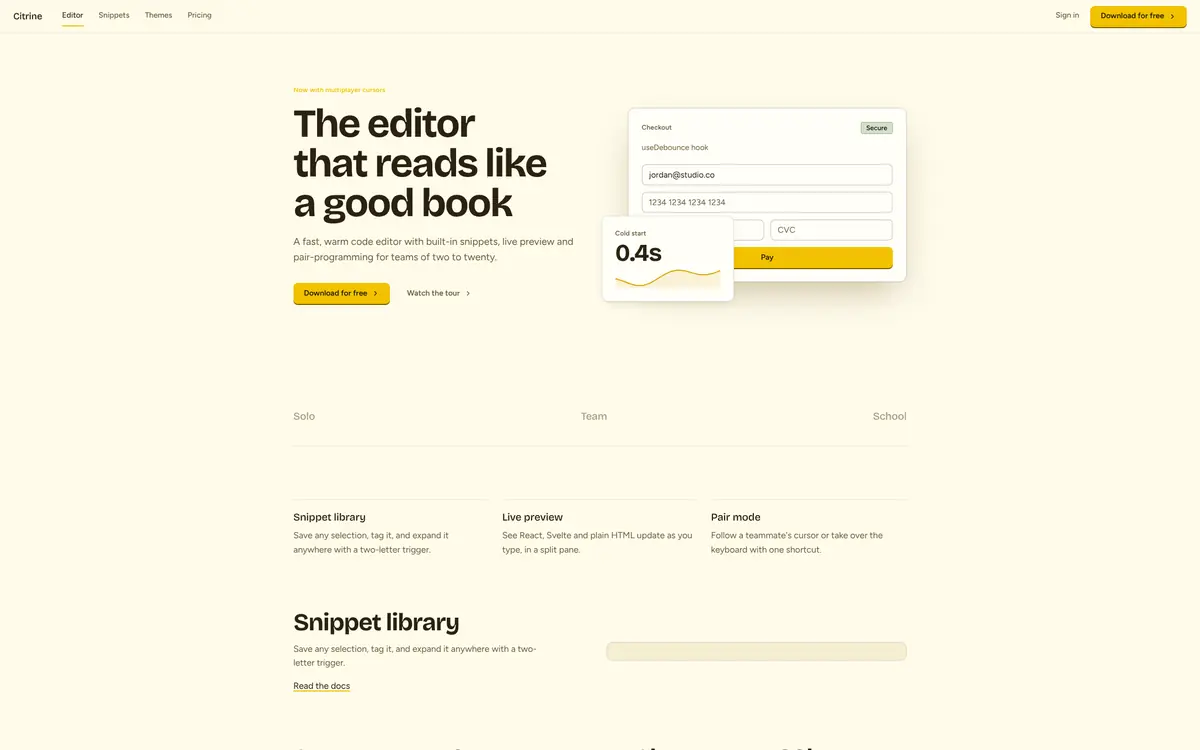
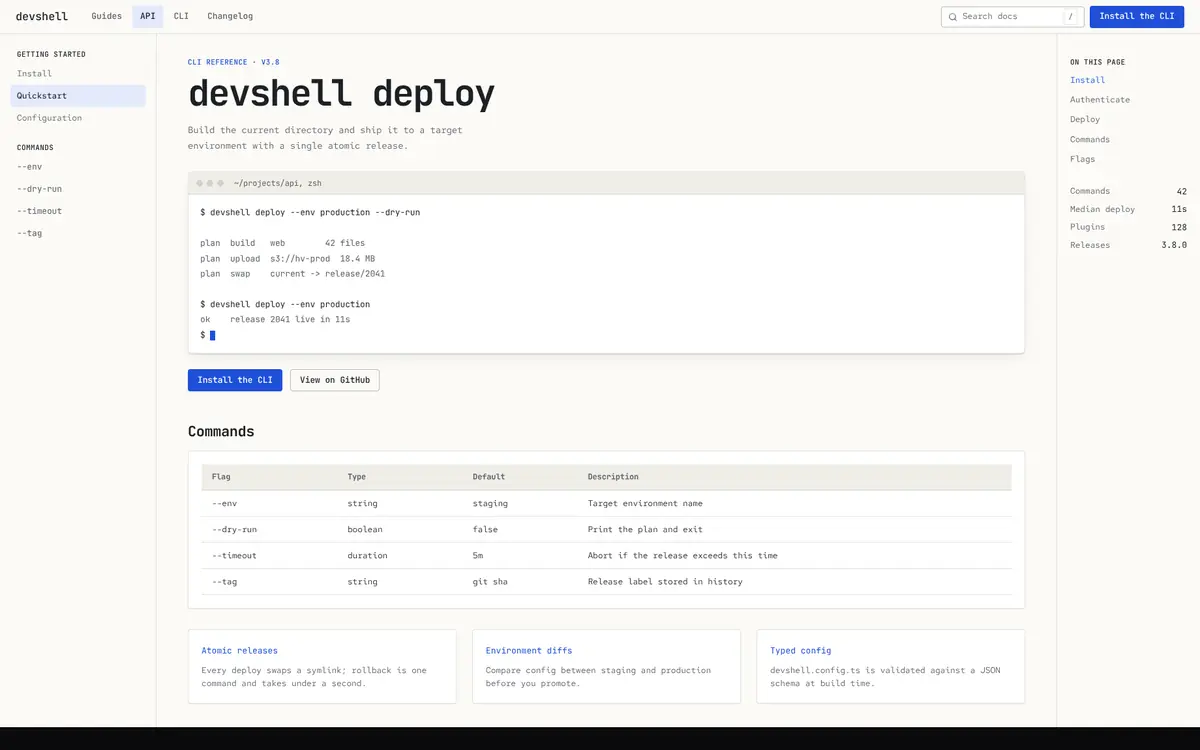
A DESIGN.md is a design system written for agents: exact colors for light and dark mode, type roles, spacing, radius, motion, component recipes and a Do / Don't list. It answers one question, how should this look, and nothing else. The full explanation is in what a DESIGN.md file is.
AGENTS.md vs DESIGN.md: what goes where
| Question | File |
|---|---|
| How do I install, run and test this project? | AGENTS.md |
| Which framework, folder structure and code style? | AGENTS.md |
| What are the brand colors in light and dark mode? | DESIGN.md |
| Which fonts, sizes, weights and spacing? | DESIGN.md |
| What does a button, card or table look like? | DESIGN.md |
| Where are the design rules? | AGENTS.md points to DESIGN.md |
The rule that decides every case: if a line would still be true after a redesign, it belongs in AGENTS.md. If a redesign would change it, it belongs in DESIGN.md.
How to connect the two files
Keep design values out of AGENTS.md completely and add one line that sends the agent to DESIGN.md for anything visual:
# AGENTS.md

## Setup
- Install: pnpm install
- Dev server: pnpm dev
- Tests: pnpm test

## Conventions
- TypeScript strict, no default exports
- Components live in src/components, one per file

## UI
- Before any UI work, read DESIGN.md and use only its tokens
  and component recipes. Never hard-code colors, fonts,
radius, shadows or durations.Where CLAUDE.md and Cursor rules fit
Claude Code reads CLAUDE.md automatically. If you already keep AGENTS.md, reference it from CLAUDE.md instead of duplicating it, and add the DESIGN.md line there too:
# CLAUDE.md

@AGENTS.md

Before any UI work, read @DESIGN.md and use only its tokens
and component recipes.
Cursor can read AGENTS.md as well, and you can also make DESIGN.md an always-on rule by saving it as .cursor/rules/design.mdc with alwaysApply: true. Step by step in Cursor rules for UI. For the longer comparison of all three files, read DESIGN.md vs CLAUDE.md vs Cursor rules.
A setup that works with every agent
- Save a DESIGN.md in the repo root. Start from one of the DESIGN.md examples if you do not have one.
- Write an AGENTS.md with setup, commands and conventions, plus the one UI line above.
- For Claude Code, add a short CLAUDE.md that references both.
- Ask for one screen and check it against DESIGN.md. Fix what is vague, not the screen.
With that in place, prompts can stay short. "Add a billing page" is enough, because the agent already knows how to build in your repo and what the result should look like. More on short, effective briefs in design prompts for AI UI.
Use it in the library
Frequently asked questions
Written by Tammo Elsner
Founder of freedesignmd, a free DESIGN.md library for AI coding agents. About the project · LinkedIn